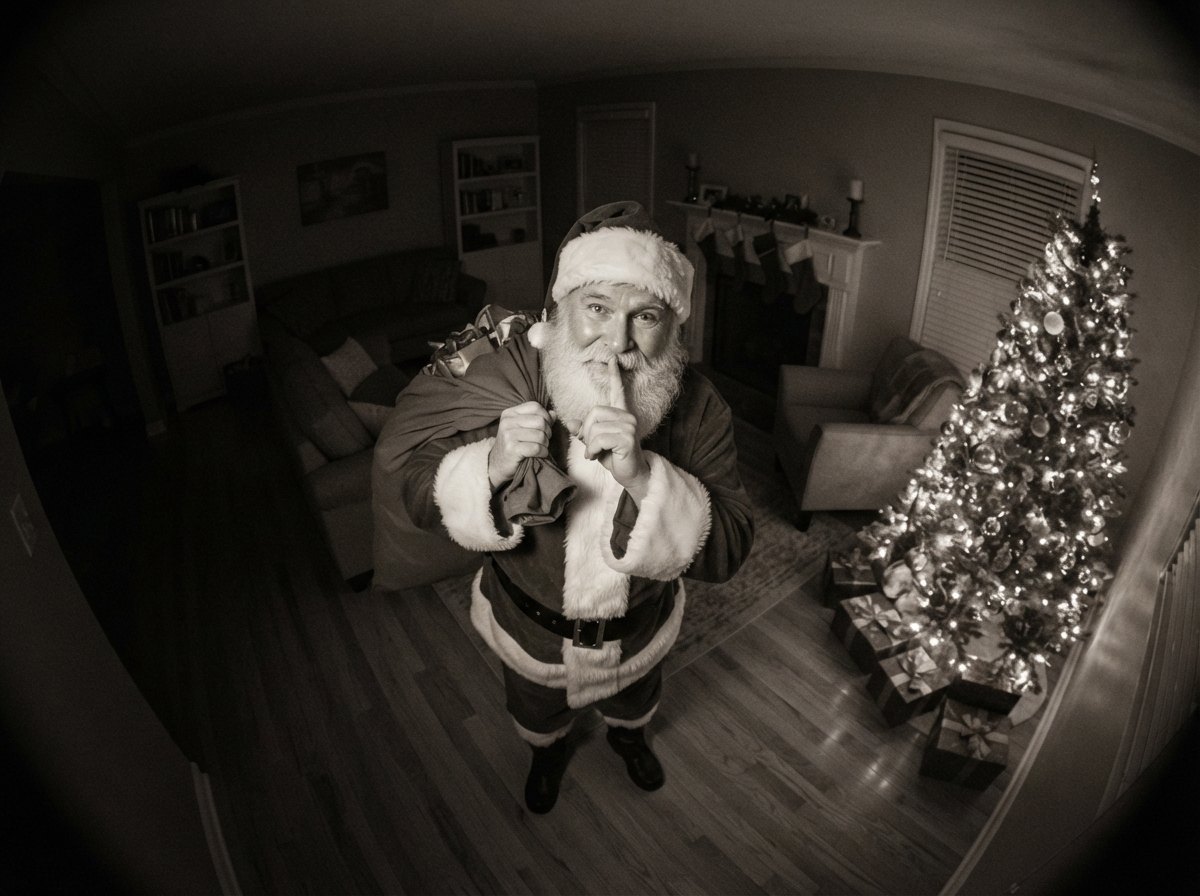
The night-vision look
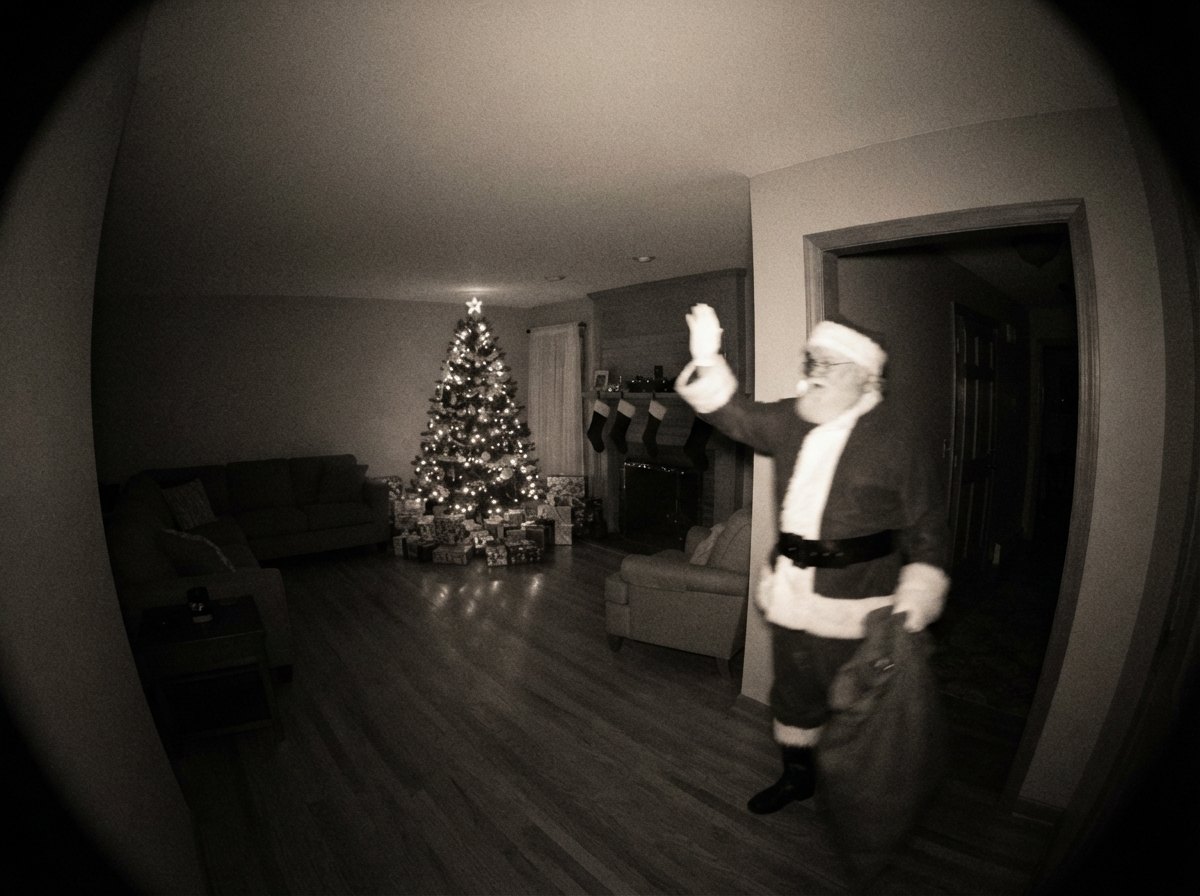
Grain, glow, and the soft blur real cameras have.
Infrared grey instead of cartoon green. Tree lights bloom the way they do on a real indoor cam.
CAM 01 · NIGHT MODE · DEC 24
Snap a photo of your living room. HoHoCam turns it into real-looking security-cam footage of Santa dropping off presents — night vision, timestamp and all. Ready in under a minute.
Free to download · Packs from $2.99 · iPhone (iOS 16.4+)
How it works
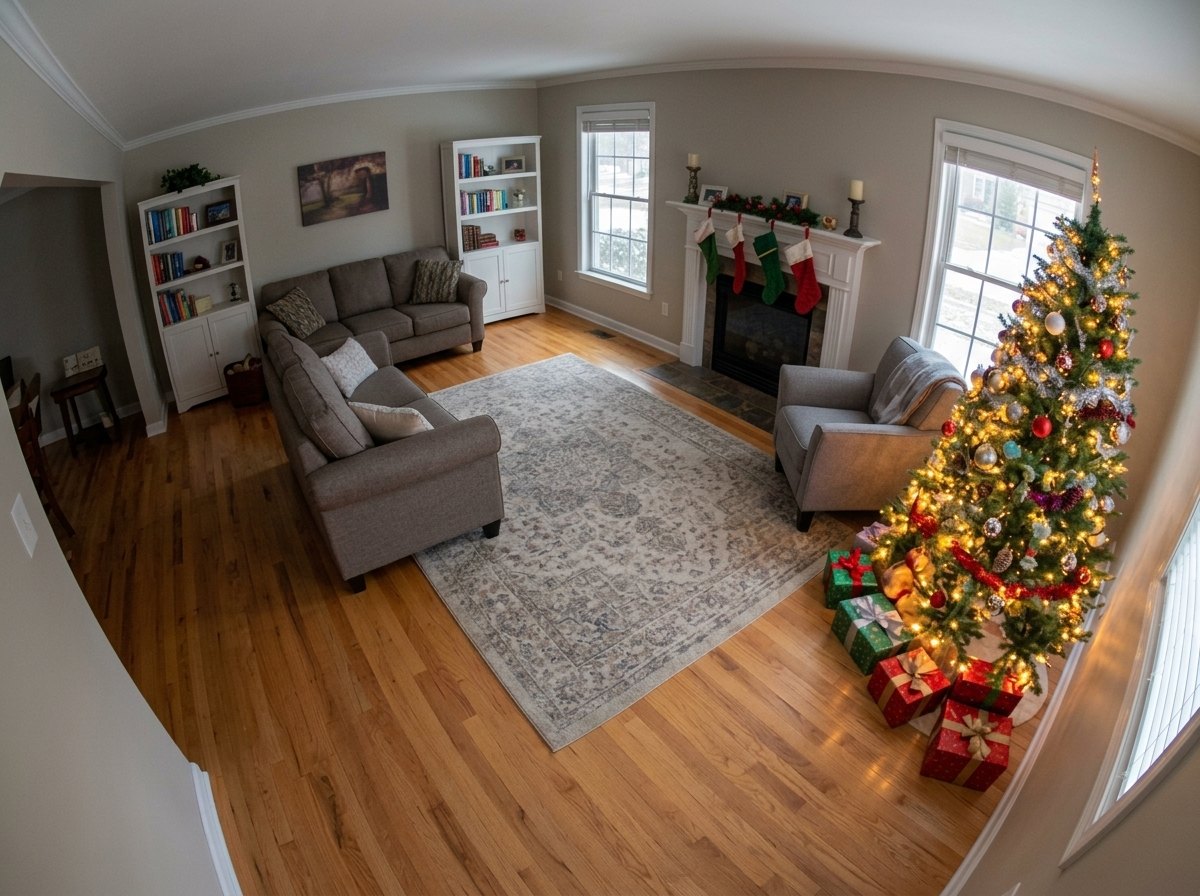
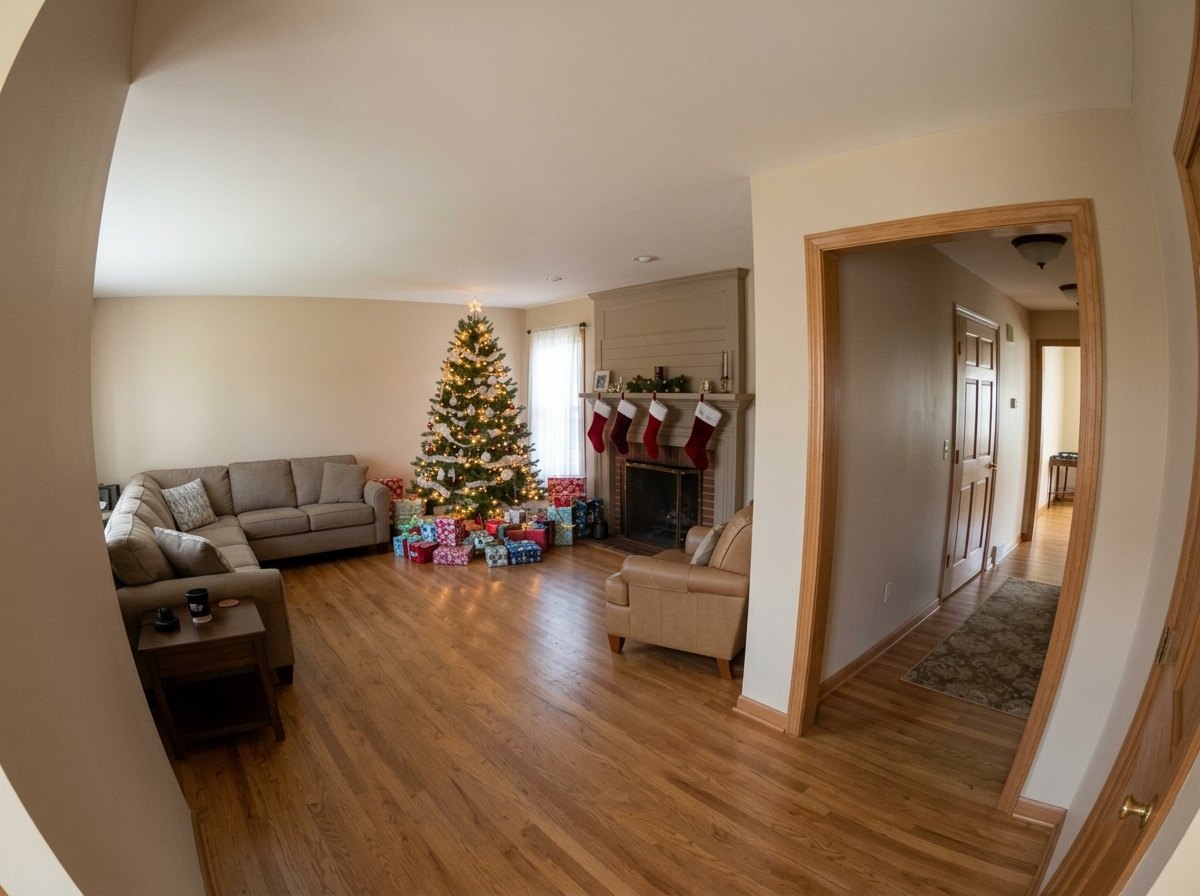
Take a photo of your tree, fireplace or hallway. Lights on works best — we add the night vision. Wide and level, floor visible.
Eight scenes — down the chimney, milk & cookies, leaving presents, filling stockings and more. Three Santas, same price. Name the camera after your kid.
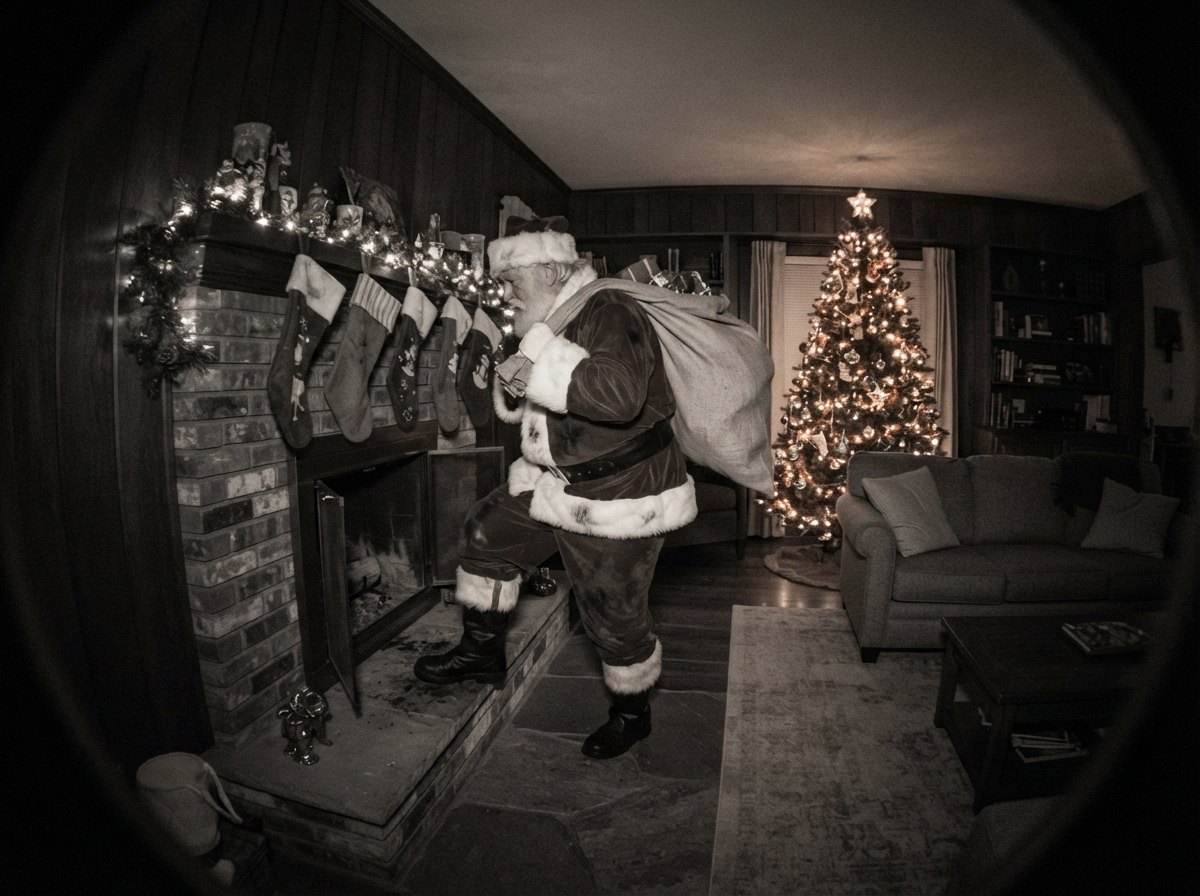
Save the frame with its CAM 01 label and timestamp. On Christmas morning, open “Show the kids” — full screen, no app name, no buttons.
Looks like the real thing
The night-vision look
Infrared grey instead of cartoon green. Tree lights bloom the way they do on a real indoor cam.
Your room, not a stock scene
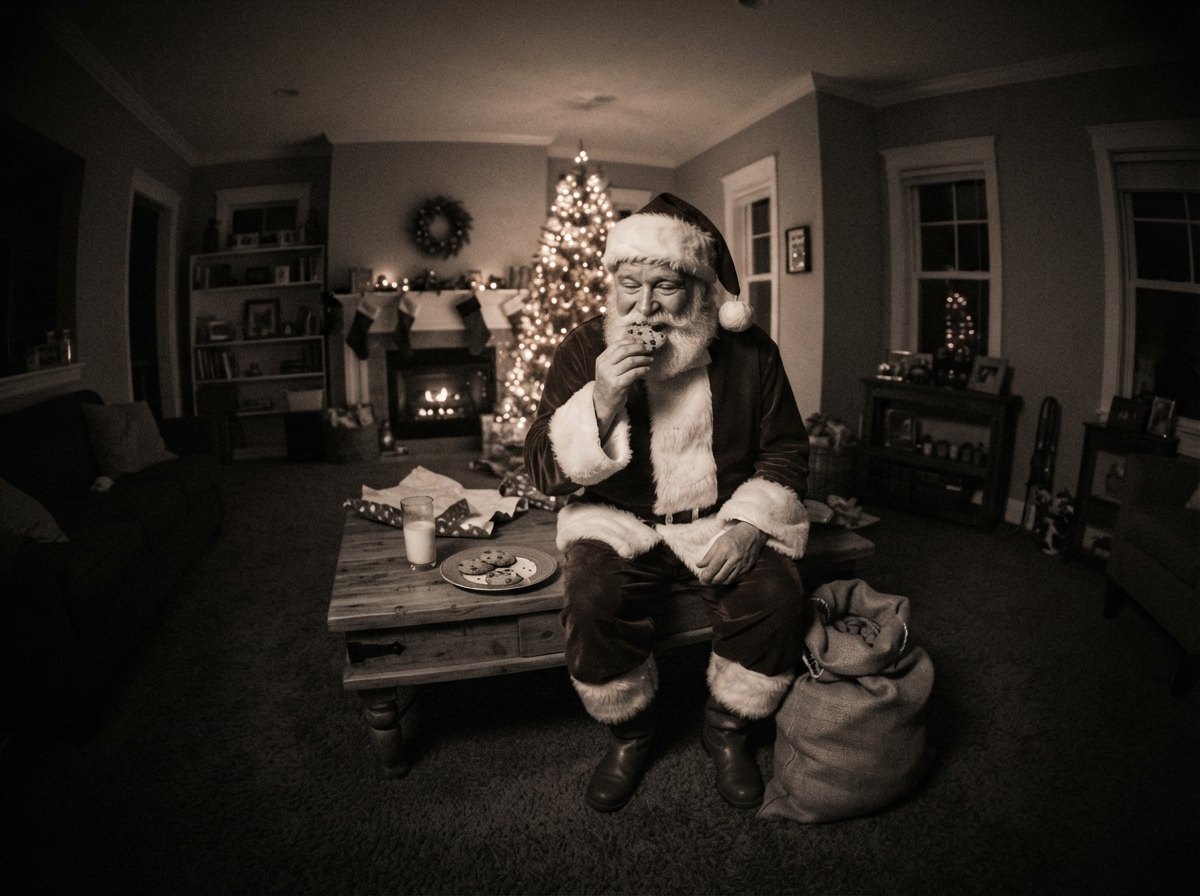
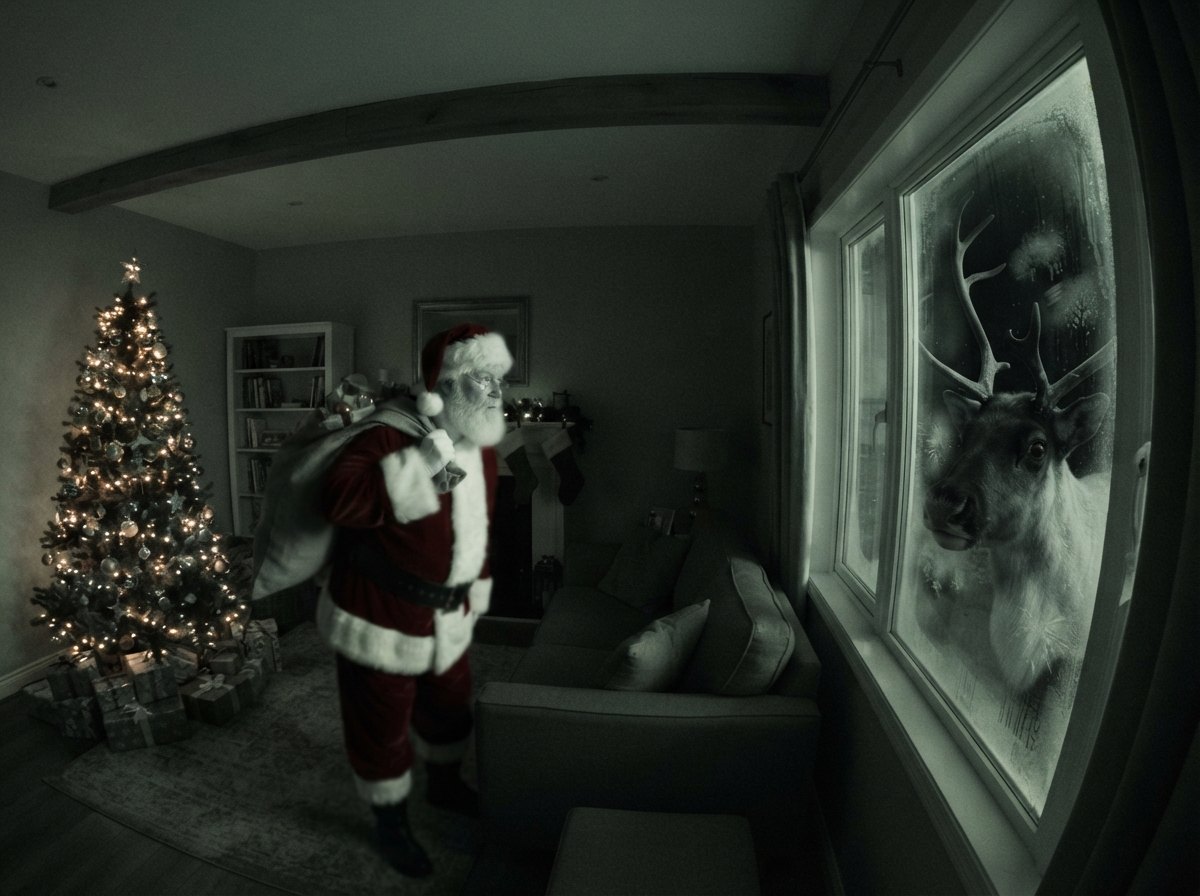
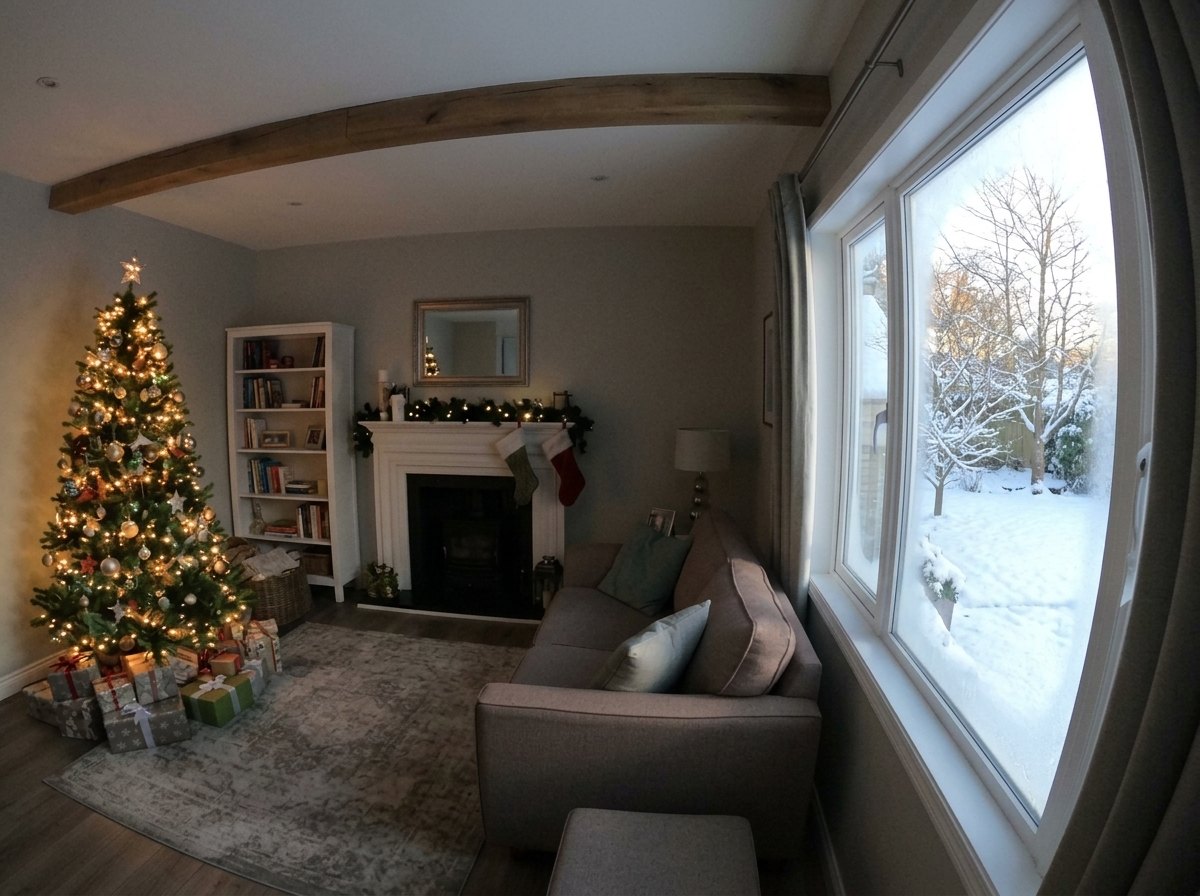
He is placed into the photo you took — your furniture, your shadows, your mess on the coffee table.
Timestamp you control
Set the date and time yourself. Put your kid’s name on the camera label, or keep it plain CAM 01.
Made for parents
Full-screen viewer with no app name and no buttons. Nothing on screen says “virtual” or “generated”.
Before and after
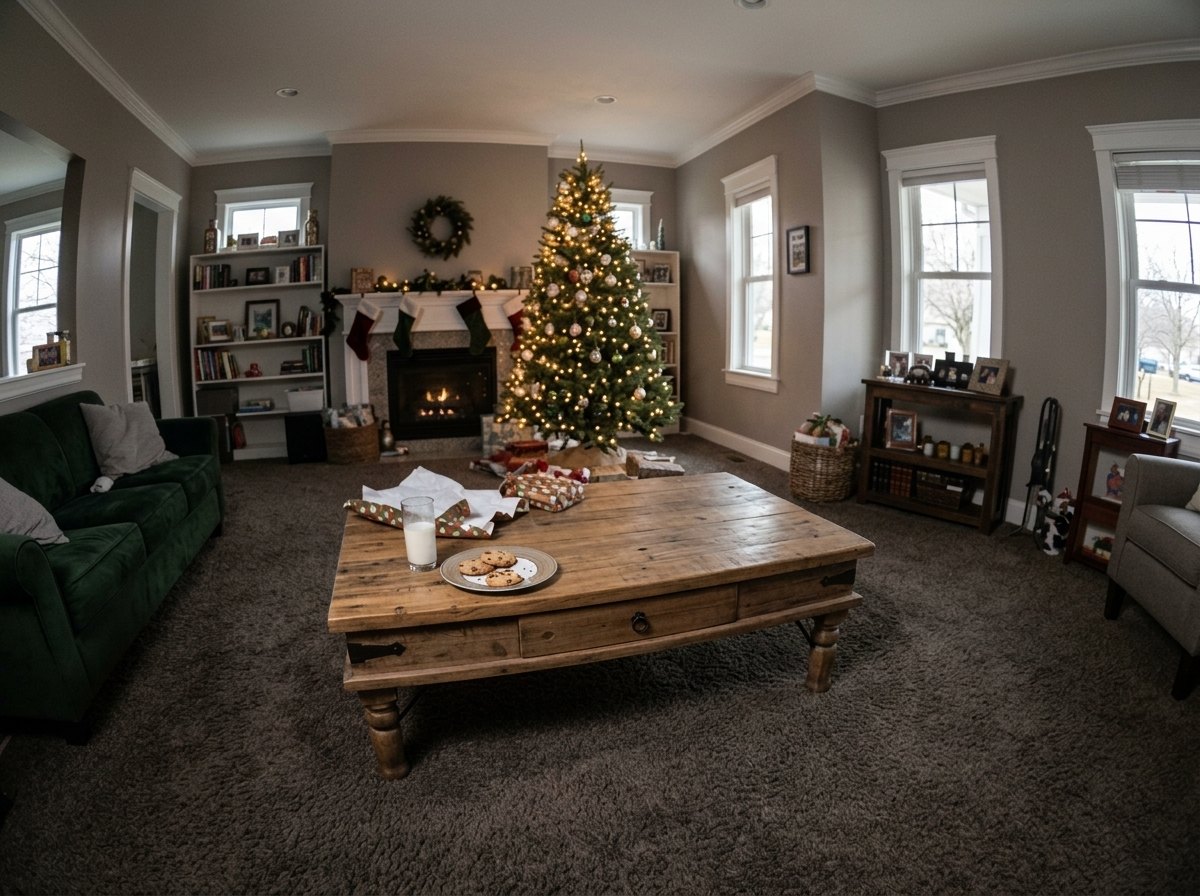
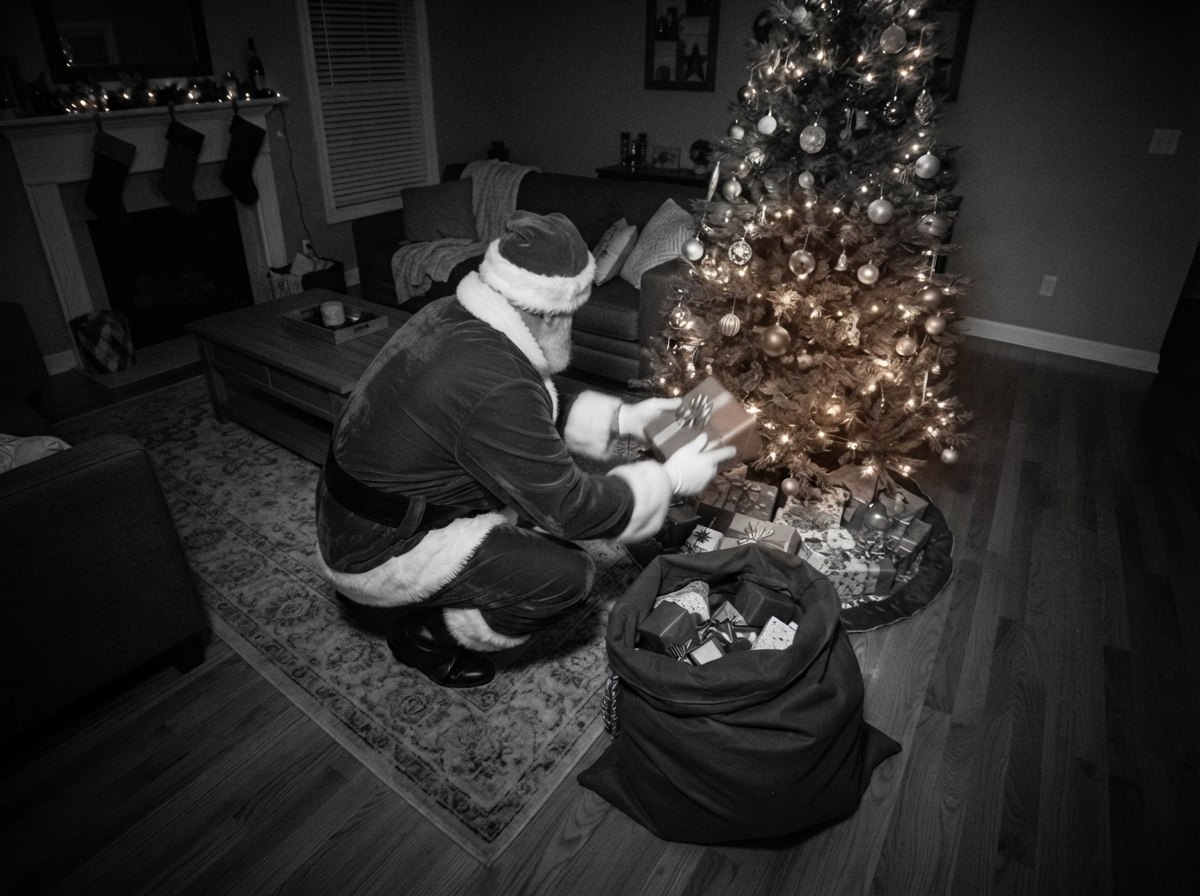
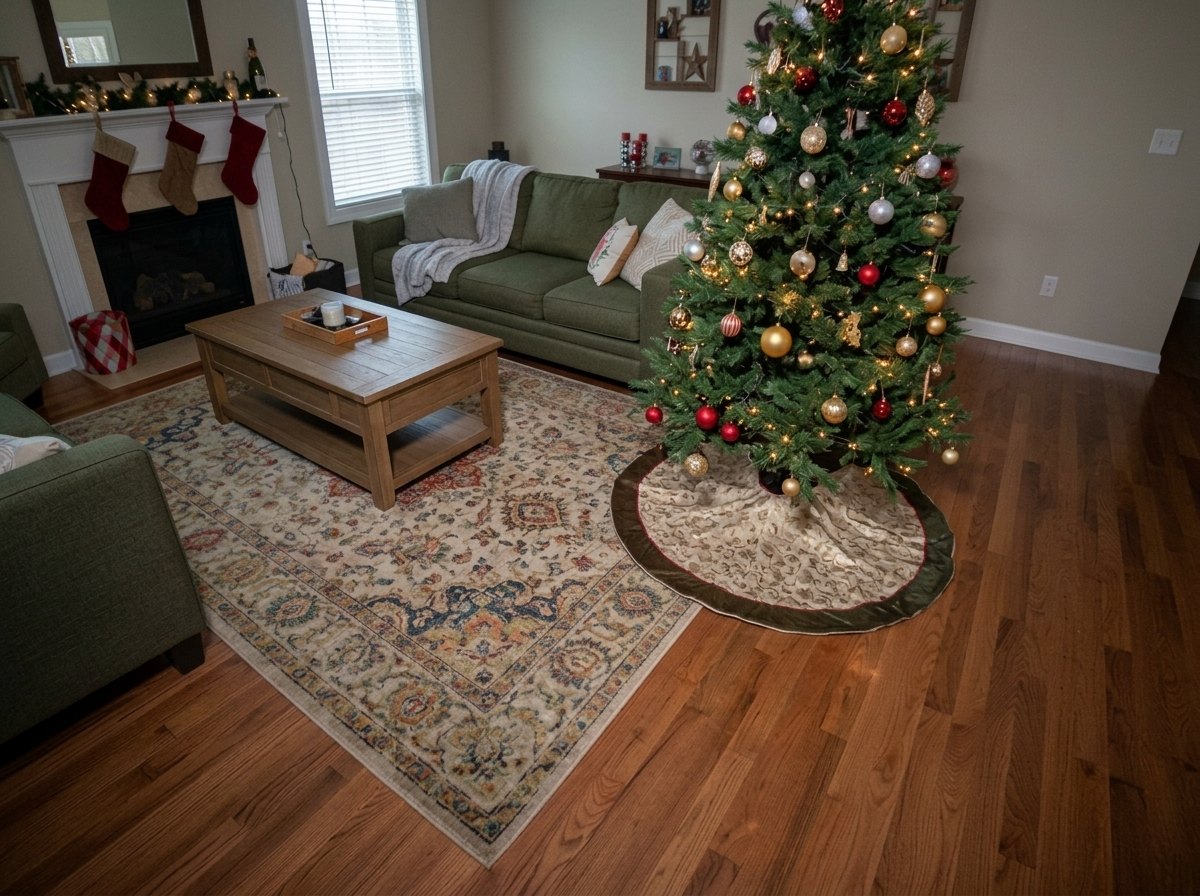
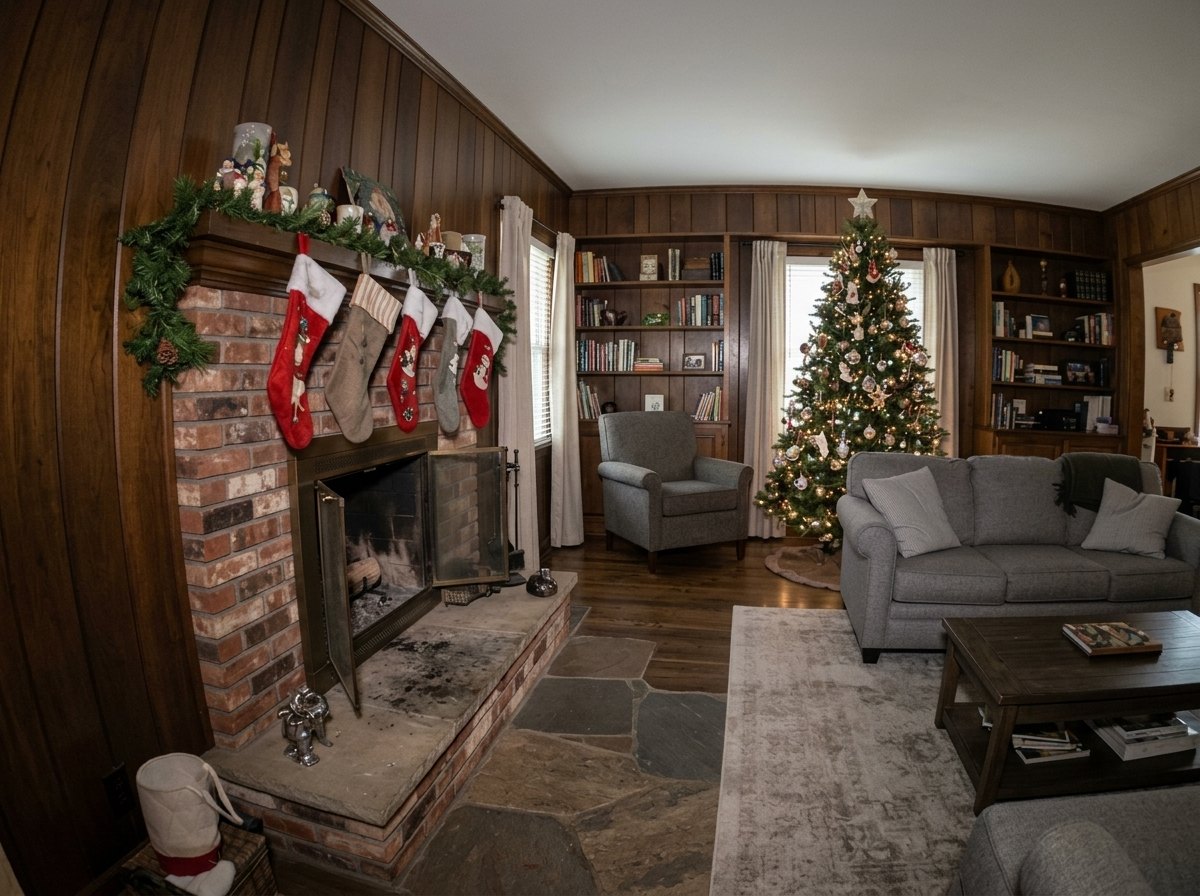
Simple pricing
One-time purchase. No subscription. Credits never expire. Every photo comes as two takes — keep your favorite.
3 photos
$2.99
$1.00 per photo
One kid, one room, a couple of tries.
10 photos
$6.99
$0.70 per photo
Two or three kids, a few rooms, different nights.
25 photos
$14.99
$0.60 per photo
Big families, grandparents’ houses, classrooms.
Your photos stay yours
Your room photo goes to our servers only to make your Santa footage, and we don’t store it. The images and clips made along the way are deleted automatically after 24 hours. We never train on your photos. No ads, no tracking, no account to create.
Read the privacy policy →Questions parents ask
Yes. HoHoCam is a parent tool: you take the photo, you get the image, you decide when to show it. “Show the kids” mode goes full screen and hides the app name, the buttons and anything that says “generated”. There are no ads and no chat.
No. Your room photo is sent to our servers only to create your footage and is not saved there. The images and clips made along the way are deleted automatically after 24 hours; the finished footage is saved on your phone. We never use your photos to train anything.
That’s the whole point. Night-vision grain, IR glow, a CAM 01 label you can name after your kid, and a timestamp you set yourself. Real-looking enough that we recommend not zooming in with a 12-year-old.
No. A hallway, a fireplace, the front door or the kids’ bedroom door all work. Wide, level shots with the floor visible give the best result.
A photo usually takes under a minute and a clip a few minutes, because every take is checked before you see it. On the busiest nights (December 24) it can take a little longer.
The app is free to download and the scene previews are free to browse. Every photo uses one credit; packs start at $2.99 for 3 photos. One-time purchases, no subscription, credits never expire.
Christmas morning, upgraded.
Free to download · Packs from $2.99 · iPhone (iOS 16.4+)